
What’s New on Sahi | Market/Limit SL-TP Orders, Color Palette Preview & Faster Funding
Discover Sahi’s latest trading upgrades, including flexible SL/TP orders, enhanced chart color previews, and faster fund top-ups for a smoother trading experience.

Team Sahi
Trading is all about speed and precision. This week, Sahi brings you three powerful upgrades to sharpen your edge:
- More flexible Stop-Loss/Take-Profit orders
- A smarter color picker
- Faster fund top-ups.
These enhancements let you trade faster and customise your experience more easily.
SL/TP — Market & Limit Orders (Now Across All Segments)
You asked for more exit control, and we delivered. You can now place Stop-Loss (SL) and Take-Profit (TP) orders as either Market or Limit orders across all segments – equities, futures, and options. Use market orders when you want an instant exit at the best available price, or choose limit orders to specify an exact exit price and avoid slippage.
This flexibility applies both when you open a new trade and when you edit an existing position later. In short: you decide how to exit, and Sahi executes it immediately.
- Greater flexibility: When placing an order (or modifying one), you now see a dropdown for SL/TP order type. Switch between Market and Limit to match your strategy.
- Market = speed: If you need a guaranteed exit, select Market SL/TP, and your order fires instantly at current prices.
- Limit = precision: Want more control over your exit price? Set your SL/TP as a limit order. The trade will only exit at that price (or better), helping you lock in profit targets or safety levels exactly.
How to use:
- When creating a new order, tap the SL/TP settings. You’ll see a toggle or dropdown for Order Type. Choose Market or Limit, and (for Limit) enter your target price.
- For an open trade, go to Positions/Holdings, find your position, and tap Edit SL/TP. Here you can switch the order type and adjust prices as needed.
- Confirm your changes to activate the new SL/TP style. Sahi will apply it immediately.
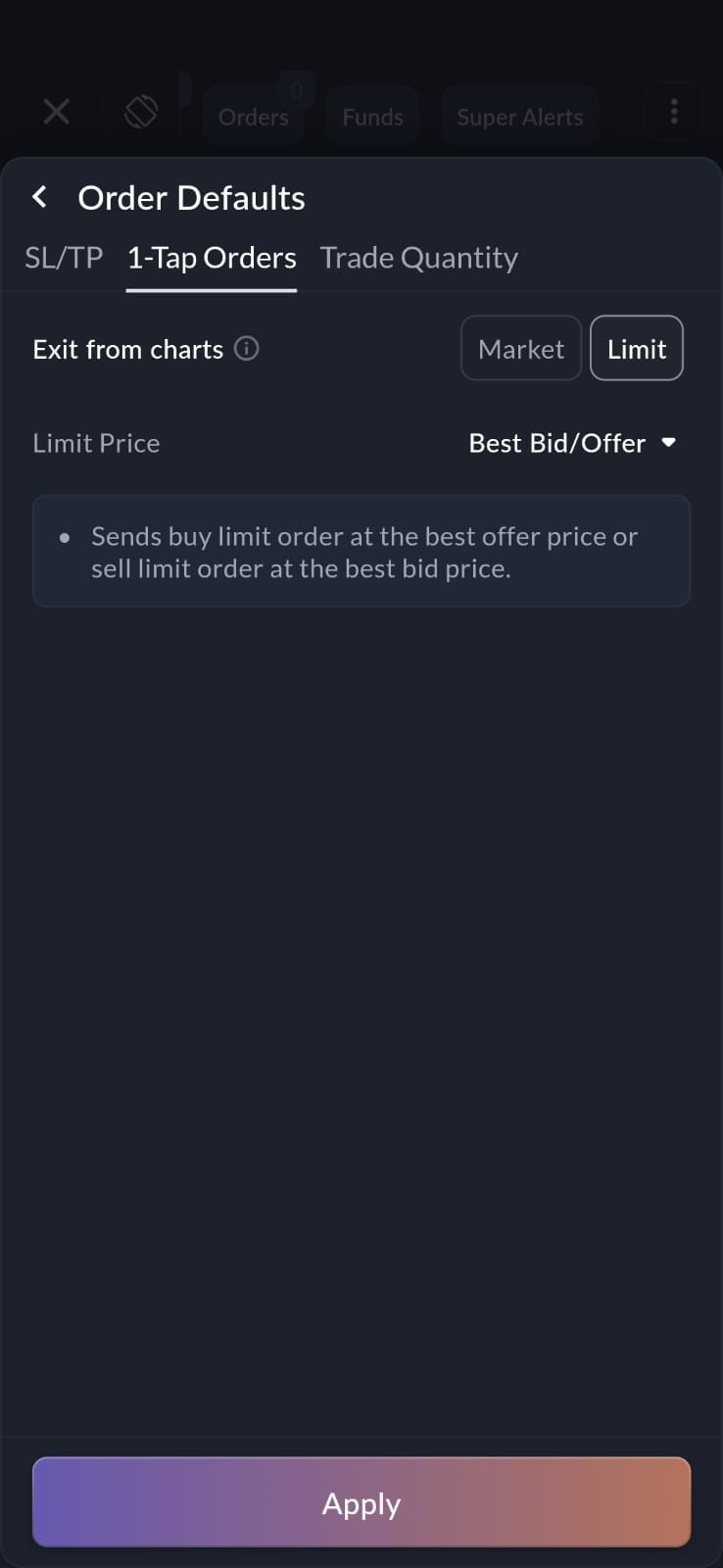
These upgrades mean no more rushing to exit a trade the old way. Now you can tailor each exit to your style—trade fast when you need to, or wait for the right price with automated precision.
Enhanced Color Selection Palette — Preview Before Applying
Personalising your charts just got easier. Sahi’s chart settings now include an enhanced color palette that allows you to visualise the color in a better way in the settings panel. That means you can experiment with different colors and see exactly how they’ll look on your chart before you hit “Save.”
This would allow you:
- Easy customization: Try different hues and experience them in a better way. No need to apply blindly – what you see is what you get.
- Full control: Adjust candle colors, gridlines, text, and other elements one by one. So you can mix and match until your chart feels just right.
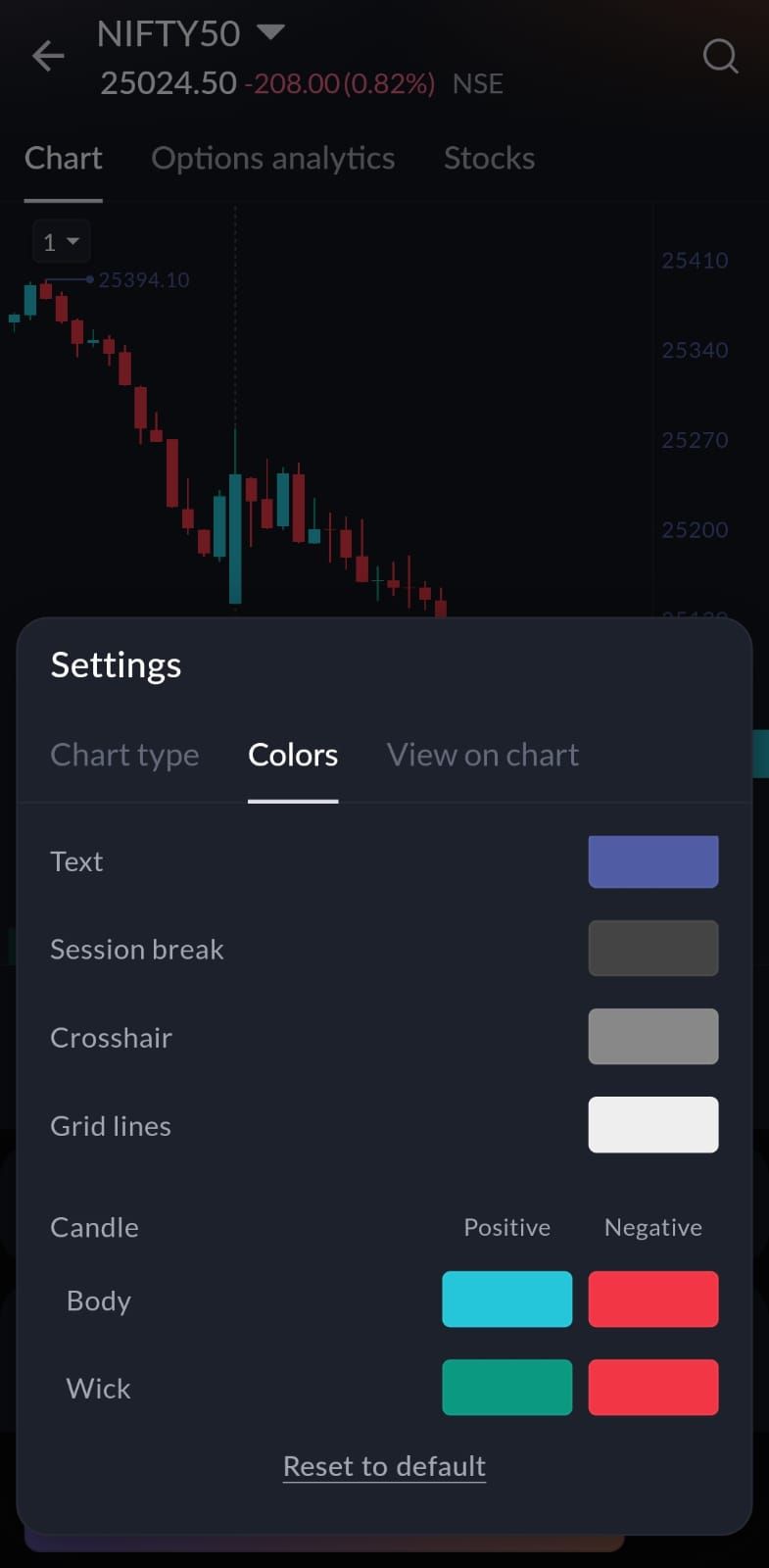
How to use:
- Open any chart and tap Settings → Colors.
- Select the element you want to customize (for example, “Background” or “Candle”).
- Choose a new color using the palette. The panel will show a live preview of that.
- When you’re satisfied, save or apply. Your chart will instantly update to the new scheme.
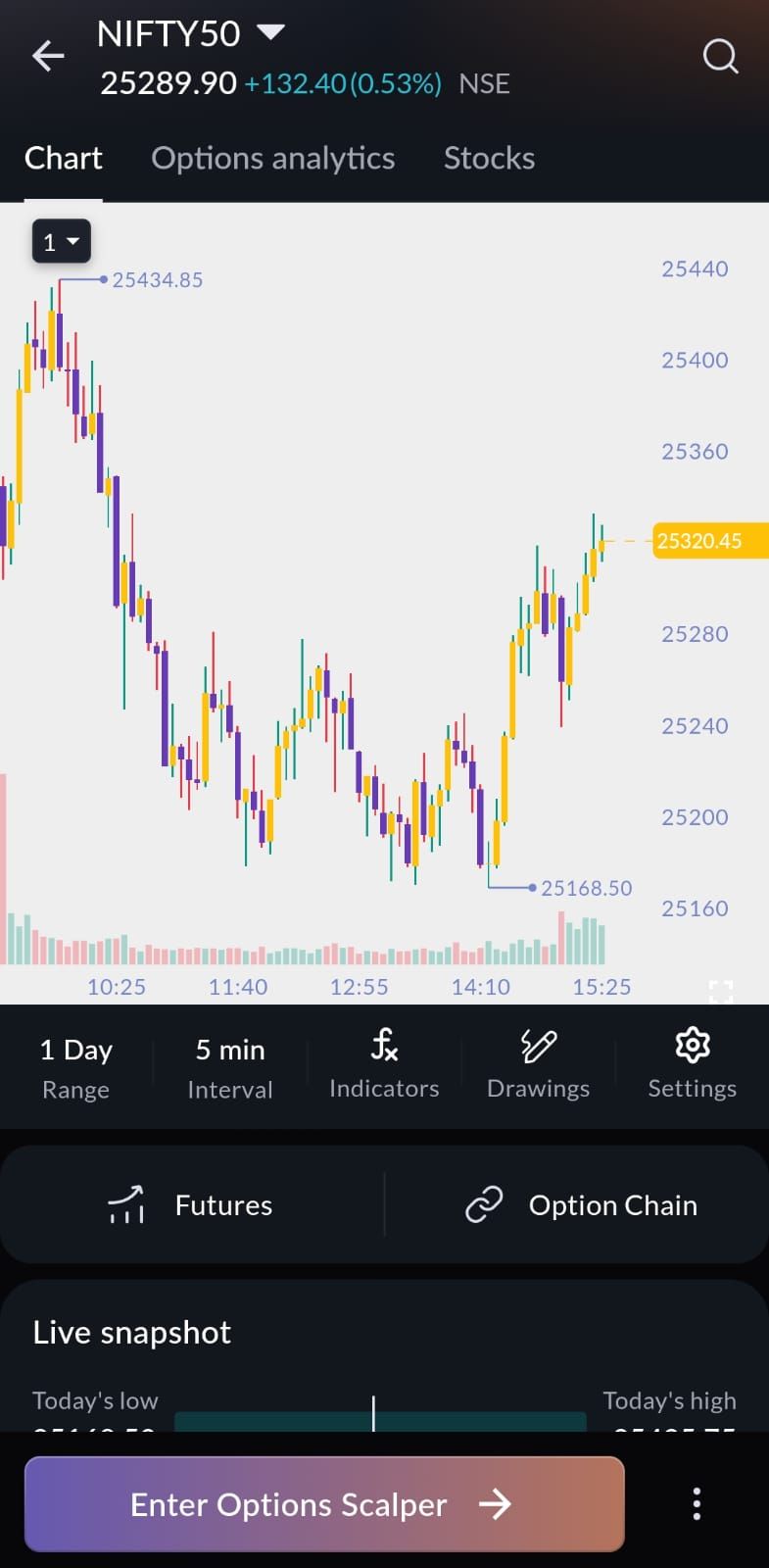
Now your charts can match your mood or environment with confidence—whether you’re trading late at night or under bright sunlight, pick the right palette and see it before locking it in.
Seamless Fund Addition With Your Preferred Payment
Funding your account is now quicker than ever. Now, we’ve taken a step further by remembering your preferred payment method. The next time you add money, Sahi will auto-select the last-used option (UPI or Net Banking) and even the specific app or bank you used. This means fewer taps and a faster top-up.
- Auto-selected mode: On the Add Money screen, you’ll see your default mode pre-chosen. If you used UPI last time, Sahi remembers your go-to UPI app; if you used net banking, your chosen bank is pre-selected.
- Switch when needed: Of course, you can still pick a different app or bank with one tap if you want. Flexibility is yours.
- Speedy checkout: With your favorite option already filled in, enter the amount and confirm. Sahi will process the payment using your saved choice without extra steps.
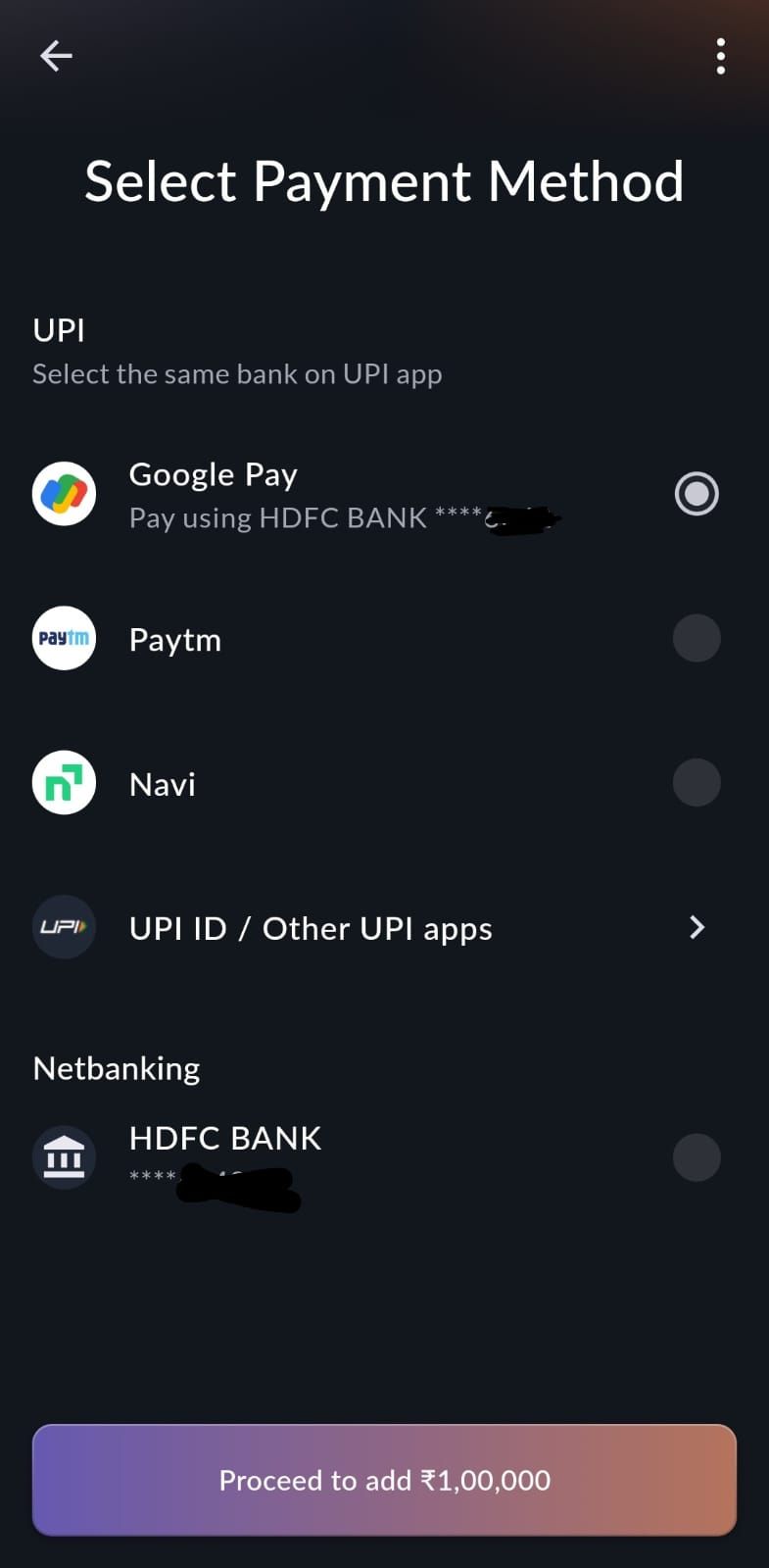
How to use:
- Navigate to Funds → Add Money in the app, and enter the amount.
- Notice that your last-used option (UPI or Net Banking) is already highlighted, along with the specific UPI app or bank.
- Change it if you want, or simply enter the amount and proceed. The form will streamline the deposit using the pre-selected details.
- Complete the transaction – your account will top up, and you’re instantly ready to trade.
This update keeps you in the flow. No more repeatedly setting up payment details—just quick, uninterrupted funding so you never miss a market move.
All topics
Related news
New Feature Drop: Kill Switch, P&L Calendar & 52-Week High/Low

New on Sahi | Lock Your Drawings, Camarilla Pivots & Real-Time Sync
What’s New on Sahi | Dual Charts for Calls & Puts in Scalper Mode
Quick Tour is here in Scalper Mode!